uSkyBlock Review: A Cozy, No-Fuss Way to Add Skyblock

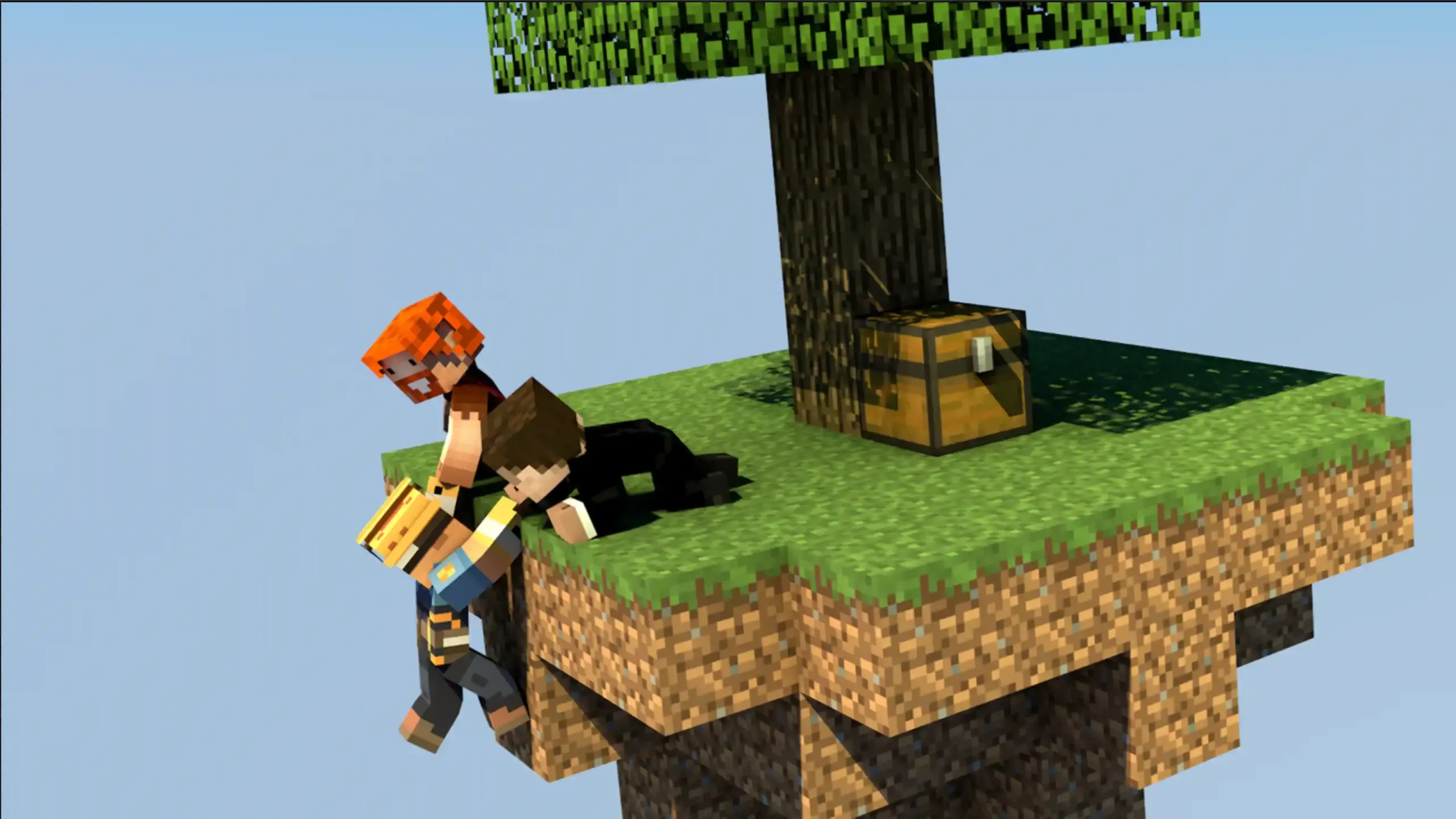
Most of what I write about happens on solid ground, so it took a friend's server invite to finally get me onto a skyblock island. I restarted mine three times before I kept it, which tells you more about my need to line up the starting chest just right than anything about the plugin. The plugin in question is uSkyBlock, and once I stopped fussing over chest placement, I understood why so many servers lean on it.
What Skyblock Actually Is
Skyblock drops you onto a tiny floating island with almost nothing to your name. A little dirt, a sapling, a handful of starter items, and that's the whole world for now. Everything else, food, wood, stone, has to come from what you build off that scrap of land, usually starting with a cobblestone generator made from lava and water. It's Minecraft with the training wheels taken off and the safety net taken away too, which is exactly why it's stayed popular for as long as it has.
What uSkyBlock Adds to the Game Mode
Building a skyblock world by hand, and then managing every player's island inside it, is a lot to ask of a server owner. uSkyBlock's whole job is to take that off your hands. It generates and assigns islands automatically, wraps everything in a graphical menu so players never have to memorize commands, and hands out progress through a challenge system that rewards you with items, money, and experience as you go, some of which you genuinely can't get any other way, so the early challenges matter more than they first seem to.
Past that starting loop, there's a fair amount of depth sitting quietly underneath. Islands earn a score based on what you've built, which feeds into a top ten leaderboard if you like a bit of friendly competition. Players can invite friends to share an island or simply trust someone to help out without handing over full ownership. Grief prevention is baked in by default, so visitors can look around without breaking anything you've placed. There's Nether support for a second skyblock experience once you're ready for it, and server owners can supply custom starting schematics if the default island isn't the shape they want new players to see. None of it is required reading to enjoy the plugin. It's just there if you want to reach for it.
Starting Your Island: What It Feels Like to Play
Getting started is the part uSkyBlock gets right without making you think about it. Typing /island brings up a small menu asking whether you want to start a new island, return to spawn, or join someone else's. Pick start, wait a few quiet seconds while it gets your island ready, and you're dropped onto a fresh patch of grass and dirt with a tree and a chest of starting supplies waiting for you 🌸
From there, /is opens the island menu, and this is where uSkyBlock earns its GUI reputation. Home teleports you back if you've wandered off, and you can reset that home point somewhere new if your first landing spot wasn't the one you meant to keep. Challenges live in the same menu, or under their own /challenges command, and they start small. My first was turning in 64 cobblestone, which handed back a few leather, some money, and a bit of experience, nothing dramatic, but enough to feel like the island was actually going somewhere.
The rest of the menu fills in around that loop. Island level shows your score as you build. The party section lets you bring people onto your island, usually up to five, and adjust what each of them is allowed to do. You can swap the biome on a whim if plains has gotten dull, lock the island so only your party can enter, set a warp so visitors can drop in and see what you've made, and check a log of what's changed recently. If an island ever goes sideways, restarting wipes it clean and lets you begin again, no questions asked. And if you want to talk to just the people on your island rather than the whole server, /islandtalk handles that quietly in the background.
Setting It Up on Your Own Server
If you're the one running the server rather than just visiting someone else's, uSkyBlock needs Spigot or Paper underneath it, along with WorldGuard and WorldEdit to handle island regions. Vault is optional but worth adding if you want challenge rewards to pay out in your server's economy. Once it's installed, most of the day-to-day tweaking, party size limits, cooldowns between commands, which biomes players can pick, lives in config.yml. If you haven't installed a plugin before, our plugin installation guide covers the general setup, and uSkyBlock drops in the same way any other plugin does.
Should You Add uSkyBlock to Your Server?
For a plugin covering something as involved as skyblock, uSkyBlock keeps a surprisingly light touch. New players get a menu that explains itself, and admins get a plugin that mostly runs on its own once the config is set to taste. If you want the deeper end of it, the full command list and permission nodes are documented on the uSkyBlock wiki. For everyone else, it's enough to just start an island, turn in your first pile of cobblestone, and see where it takes you.
- Amy

Amy has been exploring Minecraft since 2012, back when her biggest problem was accidentally building a house out of dirt. These days she lives for Creative mode, meticulously crafting worlds one block at a time and sharing everything she learns along the way. You'll find her writing the guides she wishes she'd had as a kid - clear, warm, and full of analogies that somehow make mob mechanics click.