Minecraft 26.3 Snapshot 2: Transparency Overhaul

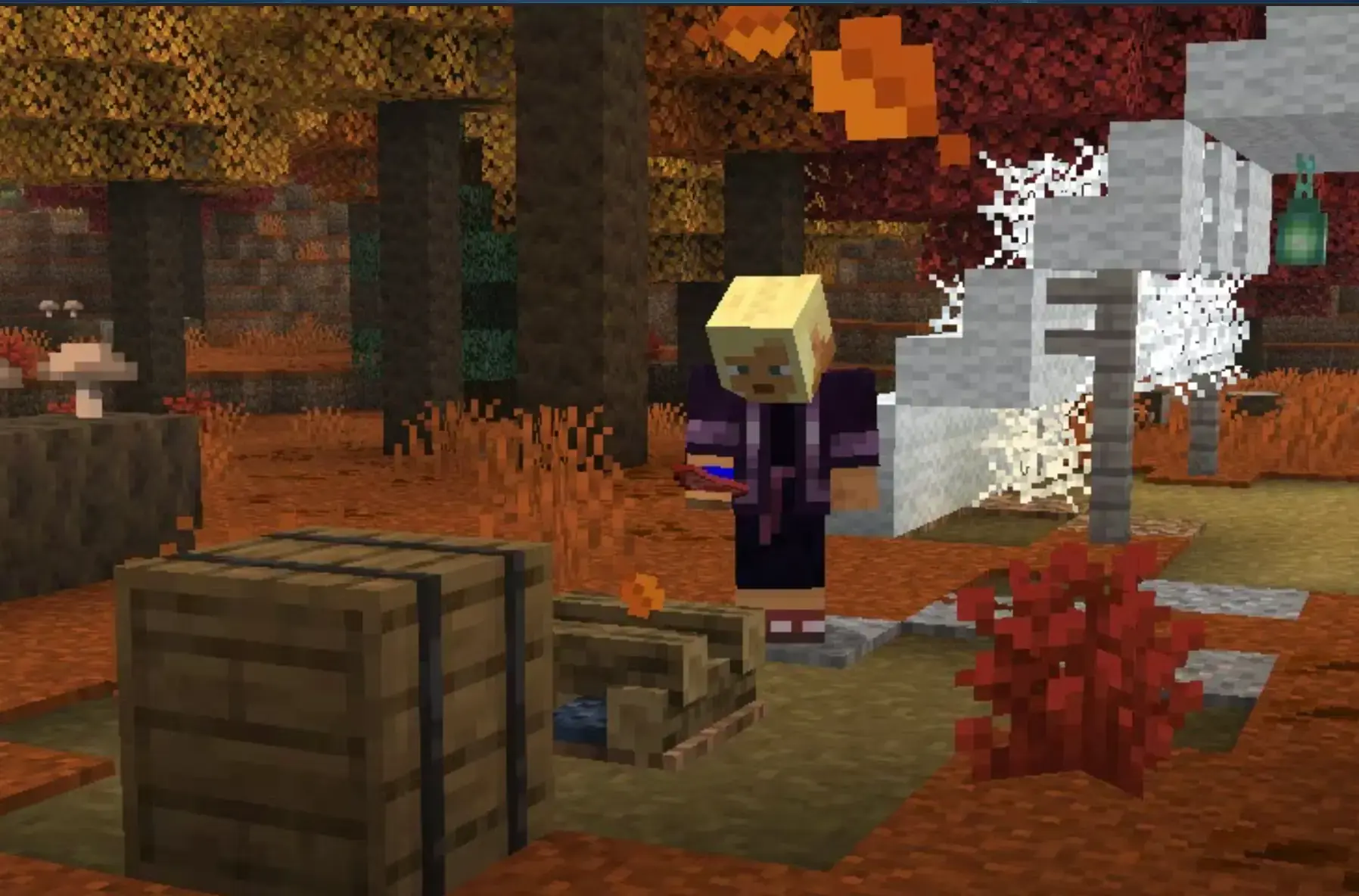
The second snapshot for 26.3 dropped this week, and it's a quieter update than it first appears - fewer splashy new blocks, more of the kind of foundational work that quietly makes everything look and feel better. There are a handful of changes worth knowing about, and one that server owners especially should not scroll past.
Transparency Gets a Complete Rebuild
The biggest change in this snapshot is one you might not notice right away - until suddenly you do, and then you can't unsee how wrong things looked before.
Java Edition has had persistent rendering issues with translucent surfaces for a long time. Things disappearing when viewed through glass. Particles vanishing behind water. Slimes making nearby entities invisible. The old "Improved Transparency" video setting tried to patch around it, and it helped, but it was always a workaround rather than a fix.
This snapshot replaces that approach with an order-independent transparency algorithm (OIT). Instead of trying to sort translucent objects back-to-front and hoping for the best, OIT renders them in any order and composes them correctly. The result is that all the major see-through issues are gone - glass, water, slimes, shulker bullets, charged creeper auras, text displays, wind charges. If you've ever built a greenhouse, a fancy aquarium, or anything with layered glass and thought "something looks off in here," this is the fix.
There are two things worth knowing before you turn it on. First, it's an approximation, so you may notice very subtle color oddities - clouds viewed through multiple translucent layers might look slightly off. Most players won't notice in normal play. Second, the performance cost is higher than the old approach. If your machine is already running warm, you might want to test before committing. Turning "Improved Transparency" off entirely still works - the game keeps the old fast-but-imperfect behavior in that case.
If you play with a lot of glass or water in your builds, turn this on. It makes a genuine difference. ✨
Persistent Mobs Rest When Nobody's Around
A small but useful performance change: named mobs and other persistent mobs (ones that won't despawn) will now pause their random walk and swim behaviors when no players are nearby. Regular mobs already did this. Persistent mobs didn't, which meant a named cow or a tamed wolf in a far corner of your world was quietly chewing through server ticks even when no one was within render distance.
For singleplayer this is barely noticeable. For servers with mob collections, zoos, or lots of named animals scattered around the map, it adds up. Less background churn, slightly better tick performance with no change to how anything actually behaves when you're nearby.
Shield Now Wins Over Hoe and Shovel
If you're holding a hoe or shovel and raise your shield, the shield now takes priority - it won't accidentally till or path the block in front of you. A small quality-of-life fix, but welcome if you've ever accidentally converted a garden bed while trying to block a hit.
Drowned Trident Carriers Switch to Melee Up Close
Drowned mobs carrying tridents will now use a melee attack if you're within 3 blocks of them. Previously they'd keep trying to throw the trident at short range, which was a bit awkward. Don't take this as an invitation to rush them - they hit harder up close than you might expect.
Server Owners: The Whitelist Now Defaults to On
This is the one to pay attention to if you run a server.
Starting with this snapshot, the white-list property in server.properties defaults to true for new installs. If you're spinning up a fresh server on this version, whitelist is enabled from the moment it starts. Players can't join until you add them with /whitelist add <playername>.
Existing servers are not affected - if your server.properties file already exists, it keeps whatever value it has now.
This is a long-overdue default change. Open servers with no whitelist have always been a reliable way to attract griefers before you've even finished setting up spawn. New server owners will now start protected, which is just sensible.
Known Issues
Two things to be aware of while this is still a snapshot:
- Vulkan on Mac causes the world to not render at all - you'll get a pink screen instead. If you're on Mac, don't use Vulkan with this snapshot.
- Entity lighting is currently off. The top sides of mobs are rendering too dark. It's a visual issue only, nothing gameplay-affecting, but it looks a bit odd.
Both are known and being worked on.
As always, snapshots can corrupt worlds, so keep a backup before loading anything you care about. The snapshot is available in the Installations tab of the Minecraft Launcher. 💖
Happy mining. ✨
- Amy

Amy has been exploring Minecraft since 2012, back when her biggest problem was accidentally building a house out of dirt. These days she lives for Creative mode, meticulously crafting worlds one block at a time and sharing everything she learns along the way. You'll find her writing the guides she wishes she'd had as a kid - clear, warm, and full of analogies that somehow make mob mechanics click.