How to Add Plugins to Your Minecraft Server

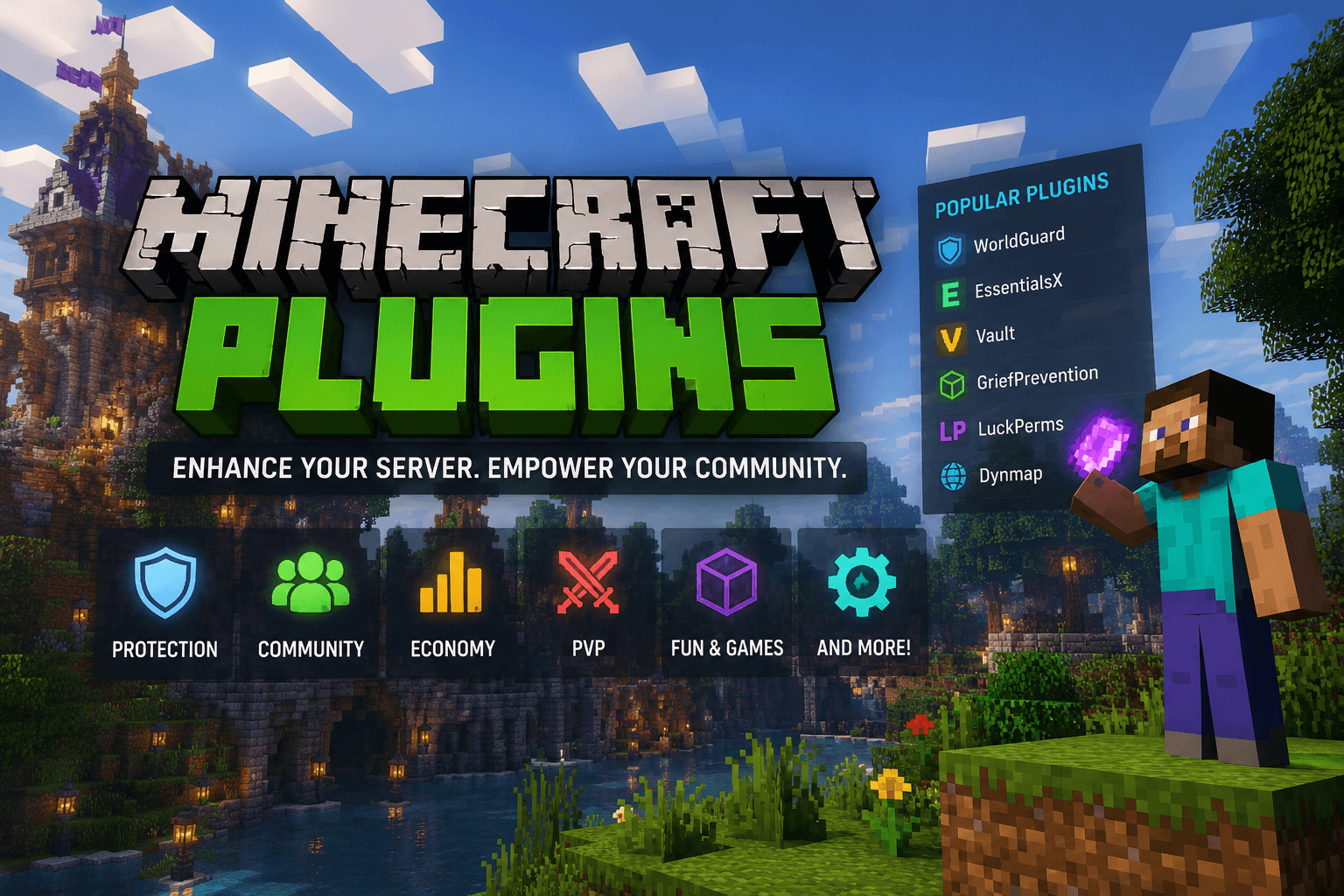
If you followed the VPS guide, you've got a server. It works. It's also completely stock vanilla Minecraft, which - don't get me wrong - is fine. But fine isn't what you set up a server for.
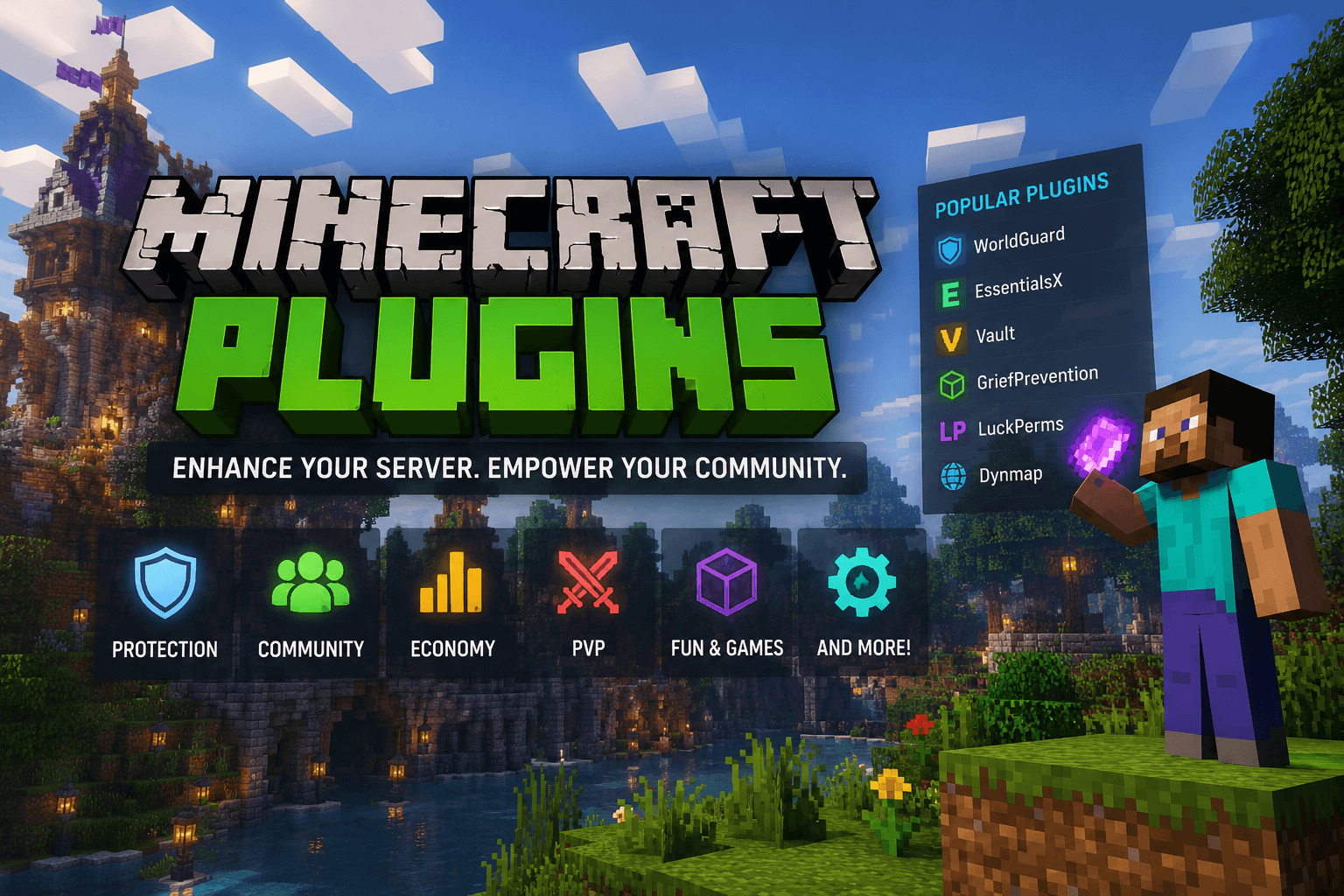
Plugins are what turn a stock server into something people actually want to log back into. They load when the server starts and can do pretty much anything: custom economies, land claiming, minigames, chat formatting, ranks, custom mobs, entirely new game modes. The range is kind of absurd, honestly.
A Word on Plugin Safety
Before you start installing things, one thing to know. Plugins don't just run inside the Minecraft game - they run on the actual machine your server lives on, with full access to its files and network. That's a lot of trust, and it's worth being deliberate about who you extend it to.
Stick to plugins from reputable sources, check that they've had recent updates, and look at the download count and comments before you commit. If something looks abandoned since 2017 or you found it in a random Discord server, think twice. A plugin from a sketchy source isn't just a broken plugin - it's a security risk to the whole machine.
Finding Plugins
The main places to look are Hangar, Modrinth, and SpigotMC Resources. A lot of popular plugins also have their own GitHub pages with releases attached.
If you already know what feature you want but aren't sure what it's called, searching for the function plus "Minecraft plugin" in a search engine usually gets you there faster than browsing. Something like economy Minecraft plugin or land claim Minecraft plugin works well.
One useful thing to know: in practically all cases, plugins built for Bukkit will run fine on Spigot-based servers. The rare exceptions are plugins that hook directly into CraftBukkit or Minecraft internals, and those are uncommon. If you can't find a plugin that does what you need, SpigotMC's Services & Recruitment forum is where you can request one.
Installing Plugins
- In your server's root directory - the same folder where the server JAR lives - there's a
pluginsfolder. If you can't find it, start the server once and it'll appear. - Drop the plugin
.jarfile into that folder. If you're on a VPS over SSH, use SFTP to transfer it - FileZilla and Cyberduck both do the job fine. If your host has a web panel or file manager, that works too. - Restart the server.
- Once it's back up, run
/pluginsin-game or typepluginsinto the console. Any plugin showing in green loaded successfully. Red means it failed - time to check the logs.
Troubleshooting
Check Your Logs
Open logs/latest.log and scroll toward the top. Plugins load early in the startup sequence, so any errors will be near the beginning of the file, not at the bottom.
Missing Dependencies
If you see something like this:
[00:00:00] [Server thread/WARN] Could not load 'plugins/MyAwesomePlugin-1.0.0.jar' in folder 'plugins'
[00:00:00] [Server thread/WARN] org.bukkit.plugin.UnknownDependencyException: Unknown/missing dependency plugins: [Vault]. Please download and install these plugins to run 'MyAwesomePlugin'.
The wall of text looks alarming but only the second line matters. The plugin needs another plugin installed before it'll run. Think of it like trying to make a peanut butter sandwich and realizing you forgot to buy bread - technically you have the main ingredient, but you don't have a sandwich. Find the dependency listed in the error, install it, and restart.
Invalid plugin.yml
[00:00:00] [Server thread/WARN] Could not load 'plugins/MyAwesomePlugin-1.0.0.jar' in folder 'plugins'
[00:00:00] [Server thread/WARN] org.bukkit.plugin.InvalidDescriptionException: Invalid plugin.yml
Two things cause this. The first is that you downloaded a mod for Forge or Fabric instead of a plugin - those are different things entirely and won't run on a plugin-compatible server. The second is a bad download. Tools like curl and wget can silently pull down an error page instead of the actual file, especially if the URL was slightly wrong. Delete what you have and try downloading again.
Something Else
If the error doesn't match any of the above, read the first line or two. It usually describes the problem in plain terms before the stack trace takes over. Google the error message - there's almost certainly a forum post from 2018 with the exact answer, posted by someone who also had a bad Tuesday.
If Nothing Is Logged
If the server started fine but your plugin isn't mentioned anywhere in the logs, it probably never tried to load it at all. Two things to check:
- The
.jaris directly inside thepluginsfolder root - not inside a subfolder inside it. The server only looks one level deep. Subdirectories are where plugins go to be ignored. - The file actually ends in
.jar. If it doesn't, it won't be picked up.
Both of those check out and it's still a mystery? That's unusual enough that you're probably dealing with something environment-specific. The plugin's own support thread or a Minecraft server community forum is your best next step.
Keep your pumpkin lit and your diamonds close. - MrPumpkin

MrPumpkin has been terrorizing Minecraft servers since 2012, and yes, he did run one of his own. His natural habitat is Factions PvP, though he'll happily spend three hours configuring a server plugin just to make one thing work 2% better. If you need to know how to set up a modpack, tune server performance, or figure out why your Forge installation is broken, MrPumpkin is your guy.
“Keep your pumpkin lit and your diamonds close.”